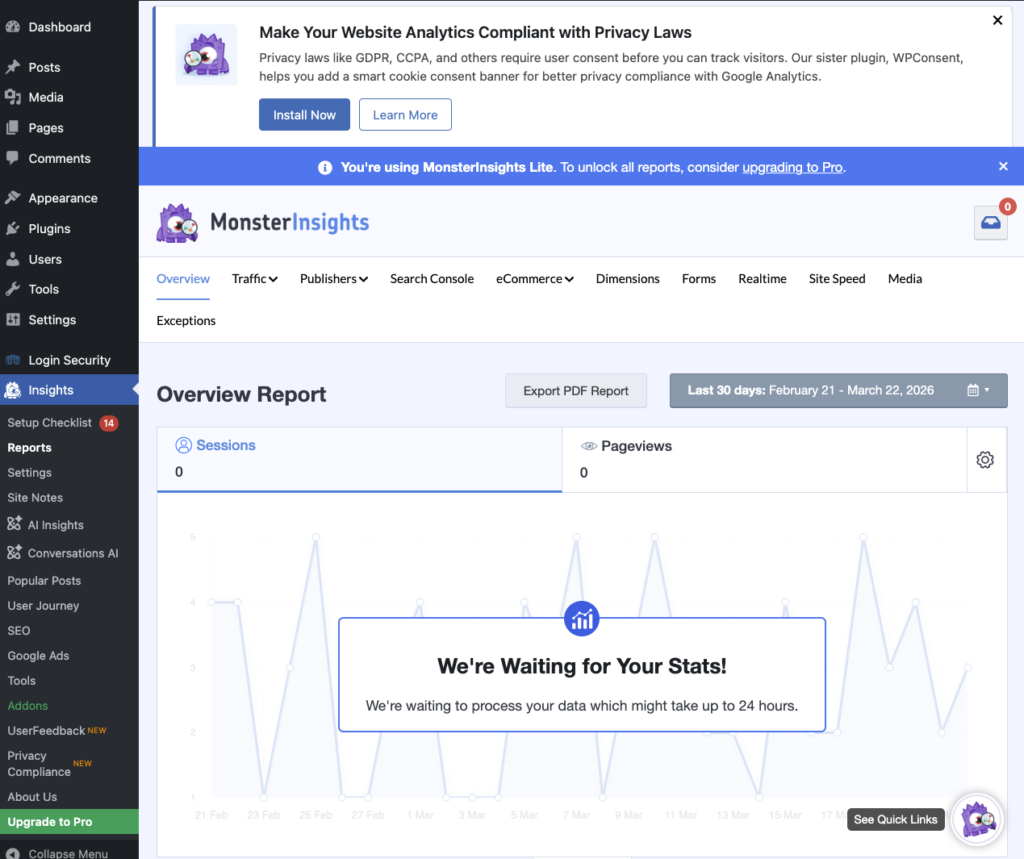
- Log in to your FIU MyWeb account.
- Open your WordPress dashboard.
- Navigate to Plugins in the left menu.
- Click Add New.
- Search for Google Analytics or Site Kit by Google.
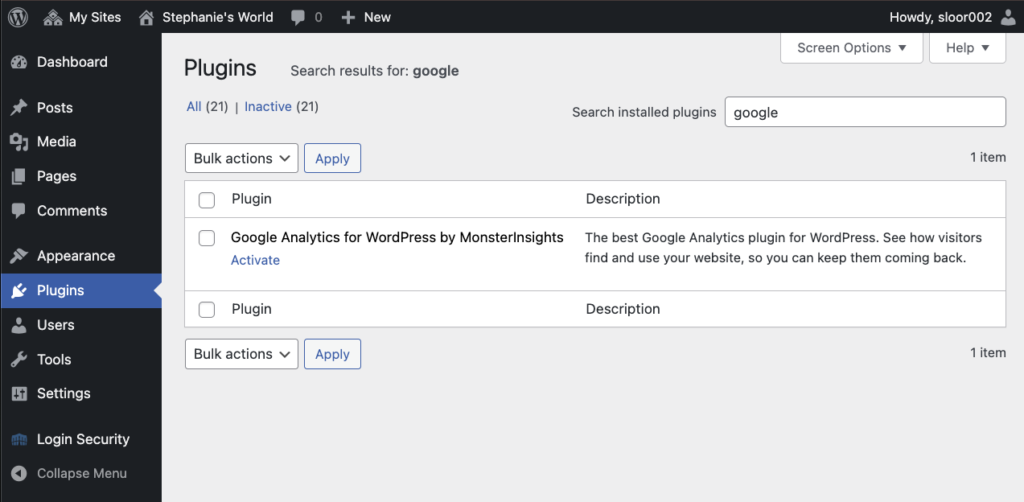
6. Check all boxes and Click Activate.

7. Follow the prompts to sign up with MonsterInsights.
8. Sign in using your Google Account.
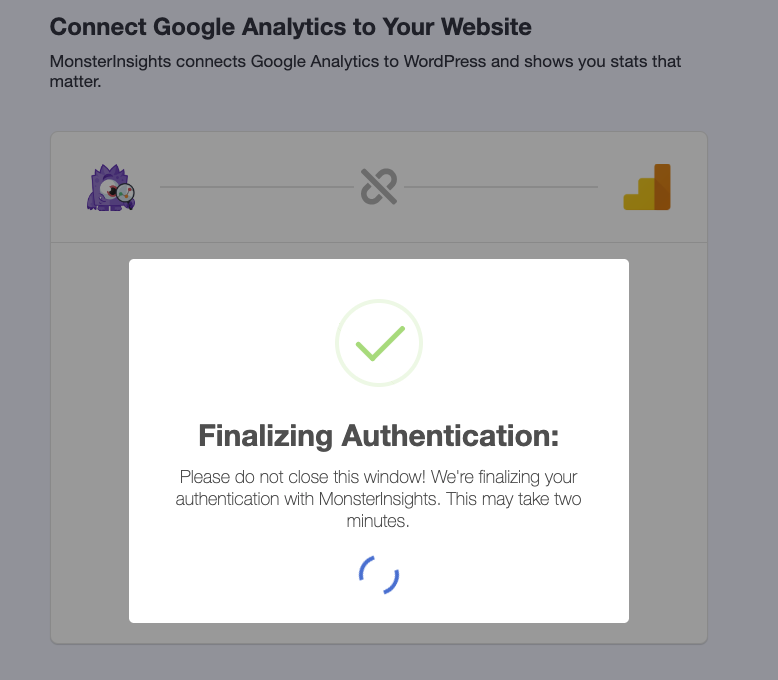
9. Accept Terms & Conditions. You do not need to upgrade to Pro.
10. Allow the requested permissions.
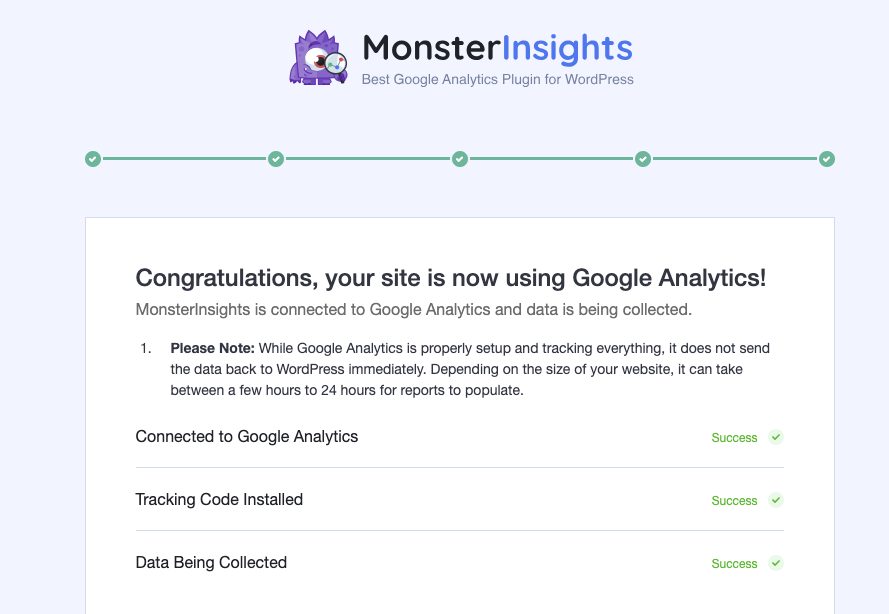
11. Success!
12. Return to your Word Press Dashboard to admire your new analytics tracker.