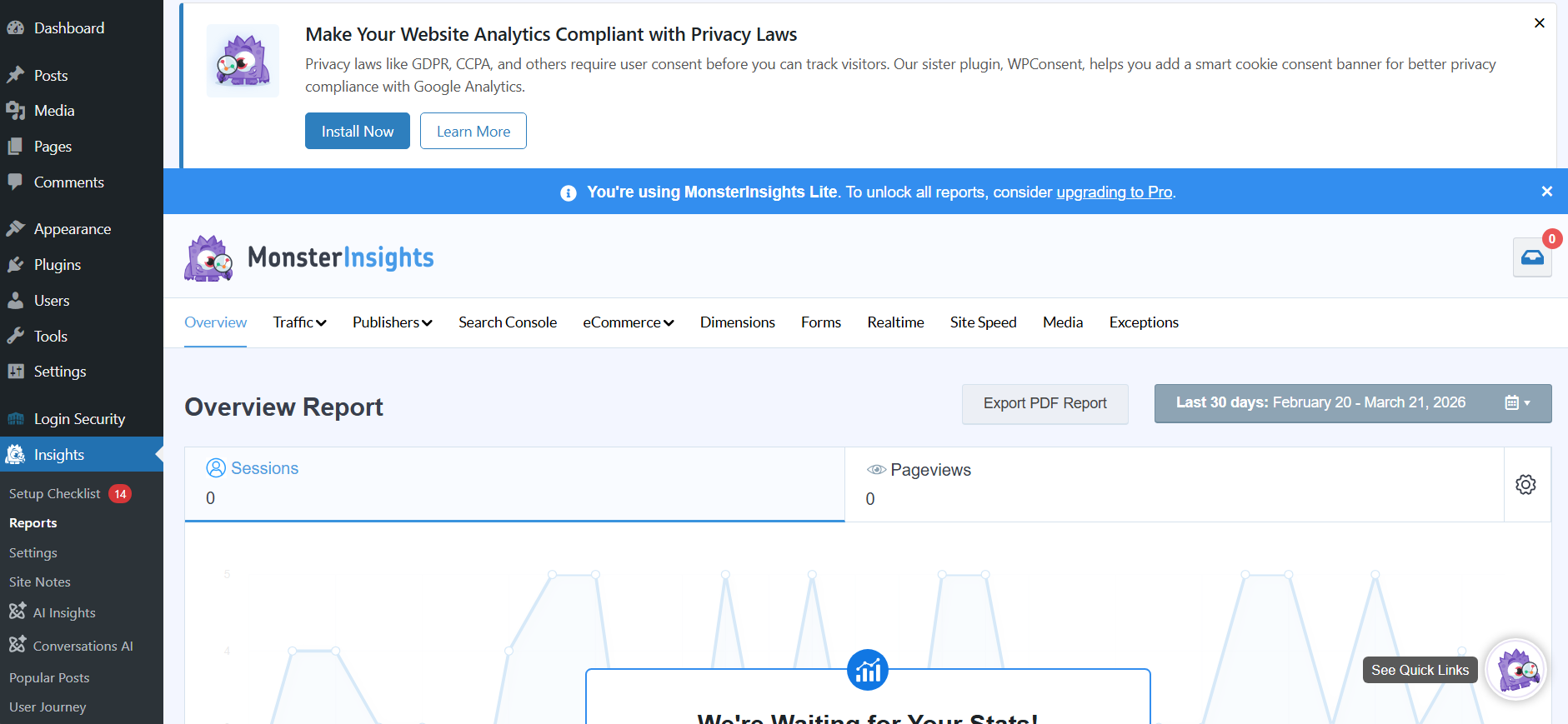
How to add Analytics to your FIU WordPress site
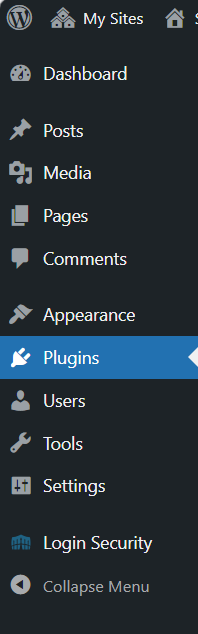
Step 1: Once on the site’s Dashboard, on the left toolbar, find the Plugins tab and click it.
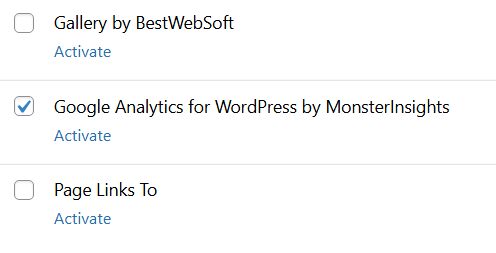
Step 2: On the Plugins page, scroll until you find “Google Analytics for WordPress by MonsterInsights” and click Activate.
Step 3: Once directed to the developer’s page, you can either watch the tutorial video or launch the 3-minute setup wizard.

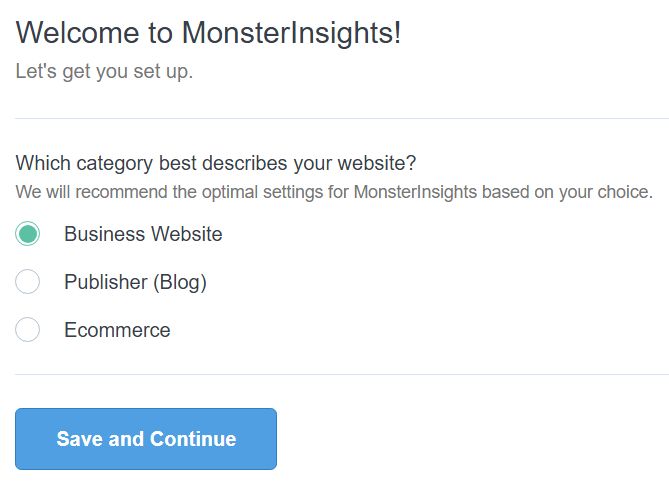
Step 4: Answer the following question that’s best applicable to the type of site you own.
Step 5: If you’re not interested in upgrading to the premium version, click the button taking you to MonsterInsights’s website to connect your Analytics connect.
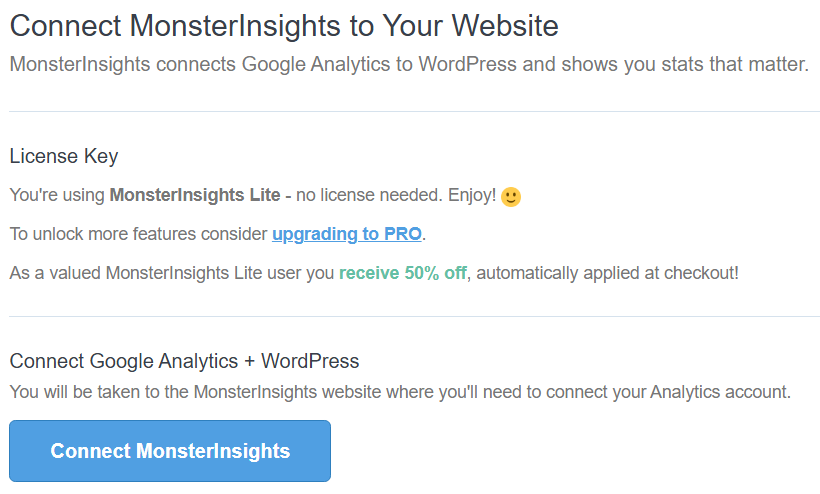
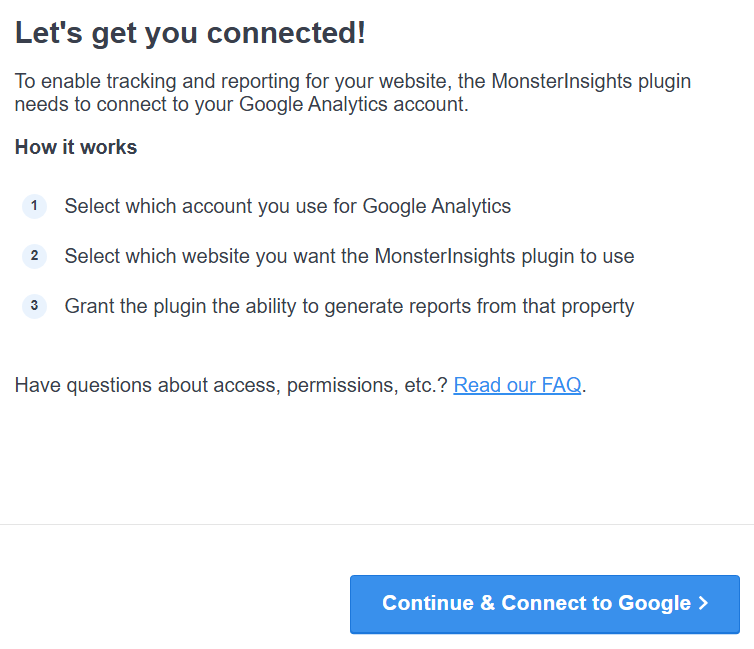
Step 6: Follow the button to connect to your Google Analytics Account.
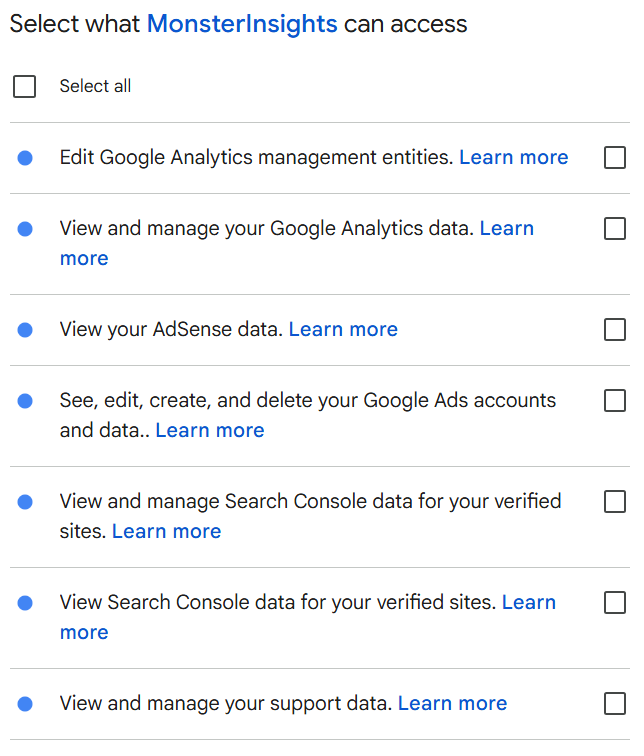
Step 7: Once your desired account is selected, select what MonsterInsights has access to. It is recommended to “select all,” and if you’re hesitant about what access you’re giving, feel free to read MonsterInsights’s privacy policy at the bottom of the page before continuing.
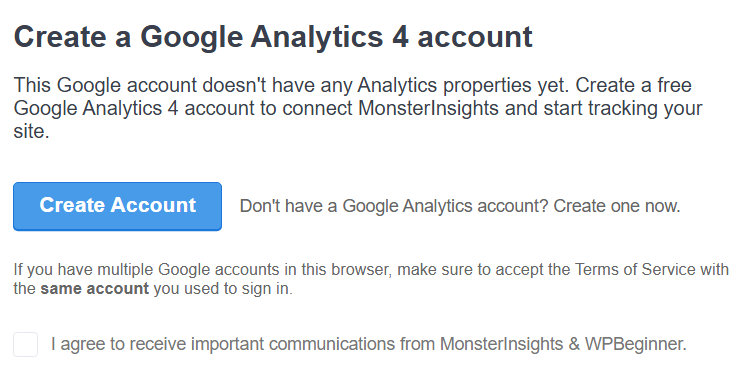
Step 8: Click the button to be directed to creating a Google Analytics Account. Receiving communications from MonsterInsights via checking the box is optional.
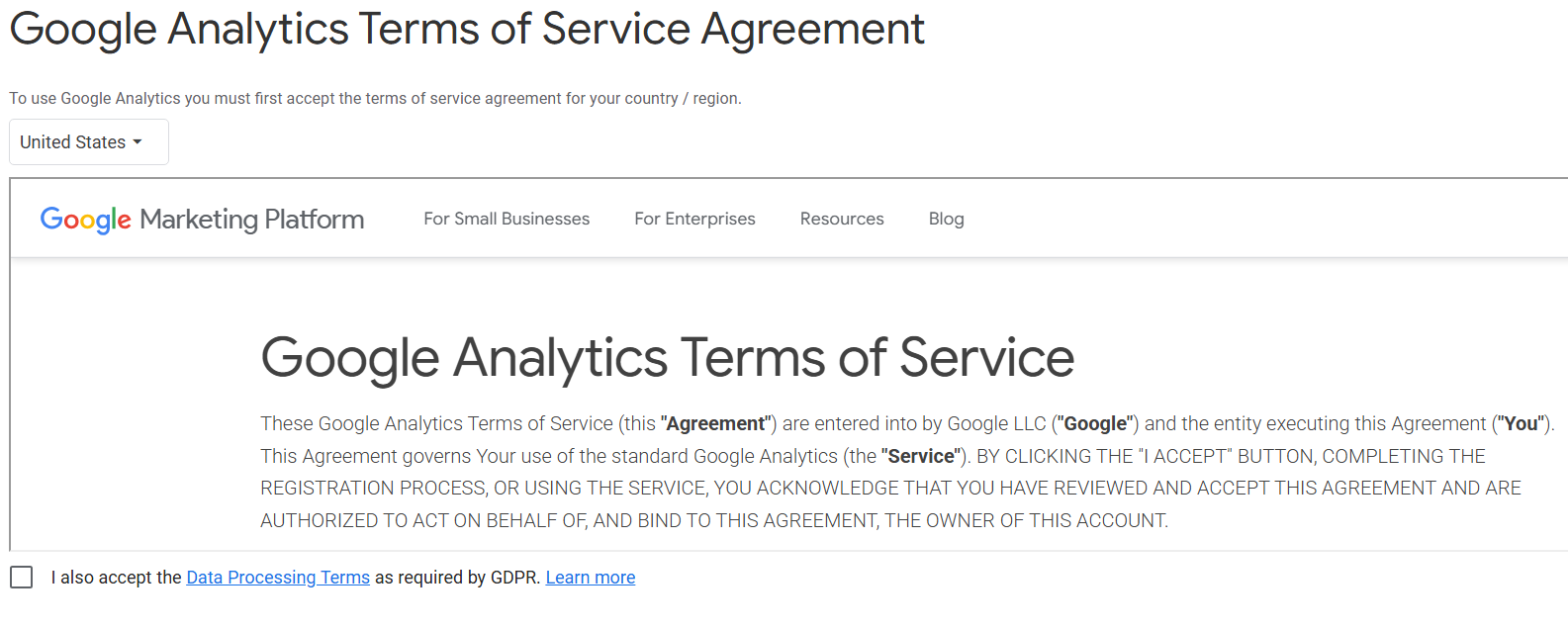
Step 9: On the Google Analytics page, read the Terms of Service and the Google Measurement Controller-Controller Data Protection Terms, and then check both boxes below each to agree to them. Then, click submit at the bottom of the page to process the request.
Step 10: For basic sites and settings, leave the recommended settings set by MonsterInsights as is once directed back to the developer’s page.
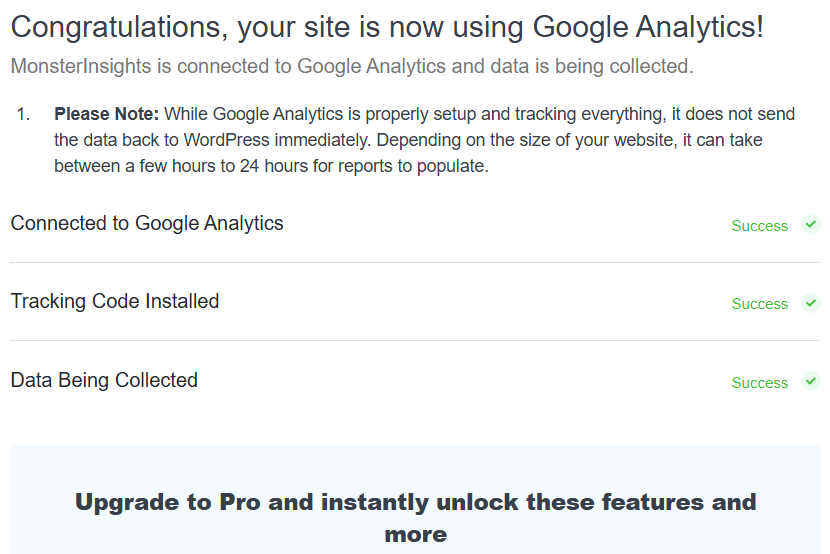
Step 11: If executed correctly, you should be notified that Google Analytics is now connected to your site. It will then ask you once more if you would like to upgrade to premium. If you choose to skip, scroll to the bottom of the page and click “Complete Setup without Upgrading.”
Step 12: You will be redirected back to your site’s Dashboard page where you will see a new “Insights” page opened. This is where you can now track your site’s Analytics.