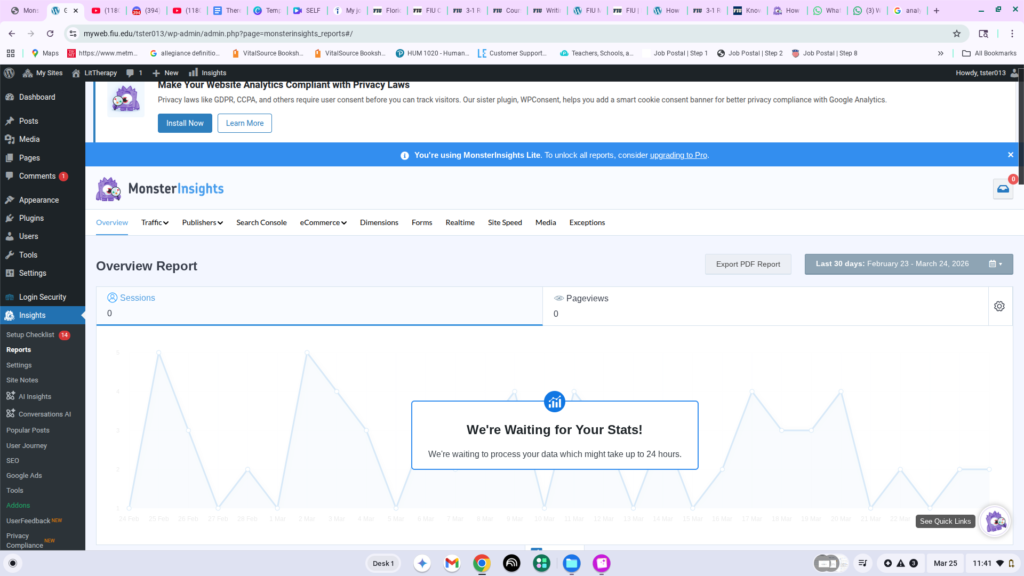
Hello, my dearies. We dived a bit into analytics on the recent post.
Here are some instructions on setting up your analytics.
Instructions:
- Log in to WordPress Dashboard account and click on “Plugins.”
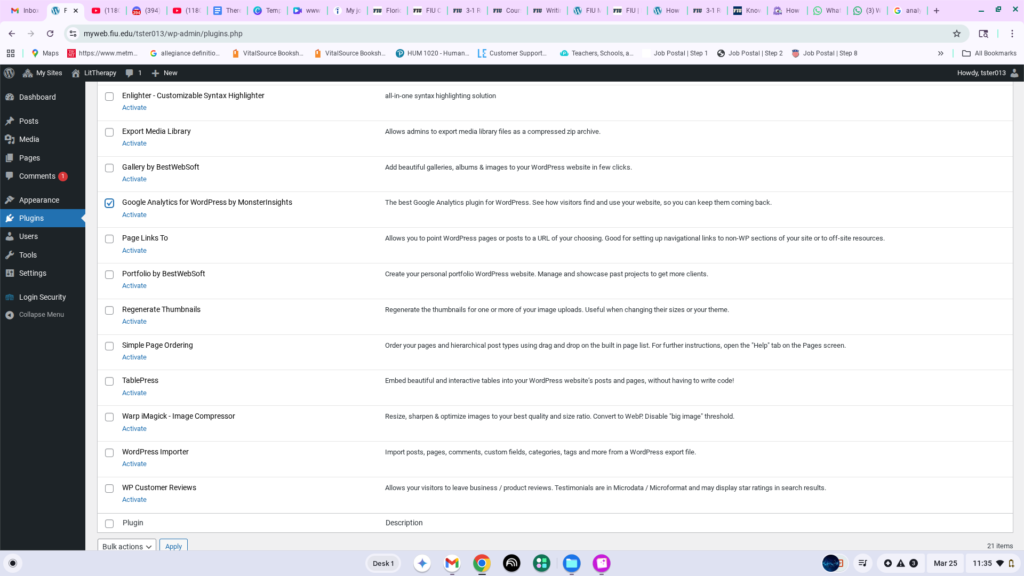
2. Activate “Google Analytics for WordPress by Monsterinsights.
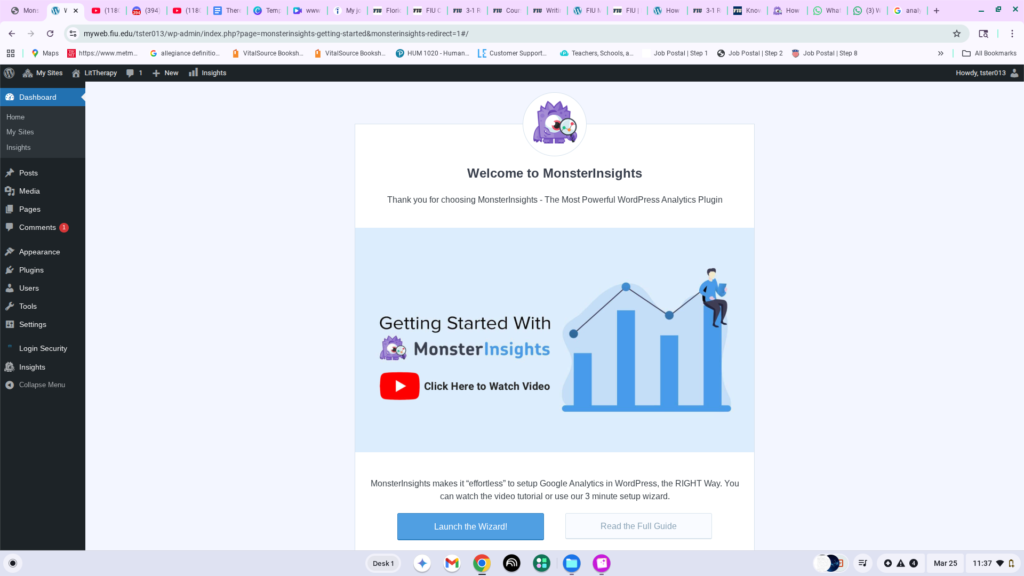
3. Click on “Launch the Wizard.”
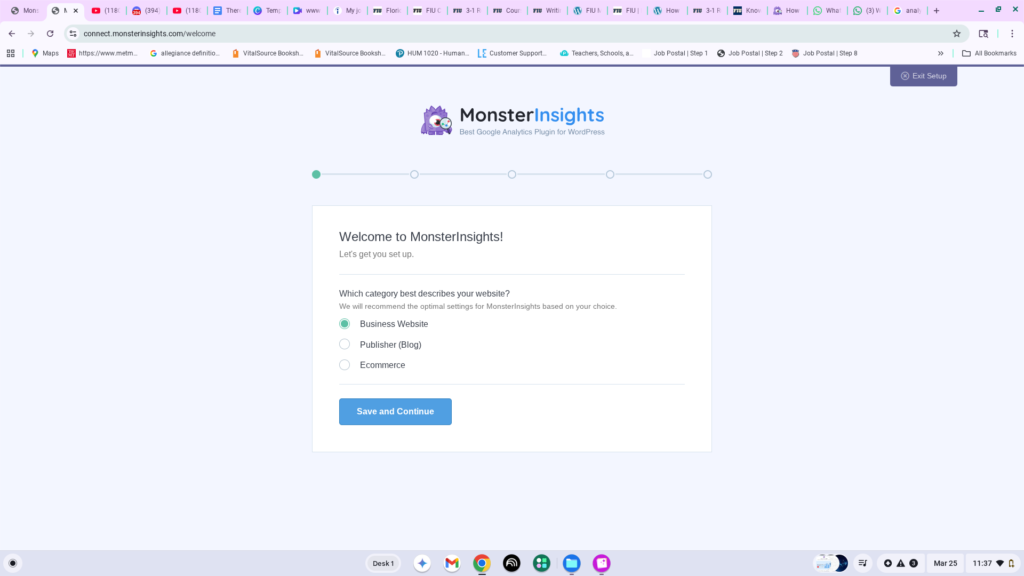
4. Select the category for your website.
5. Click on “Connect MonsterInsights.”
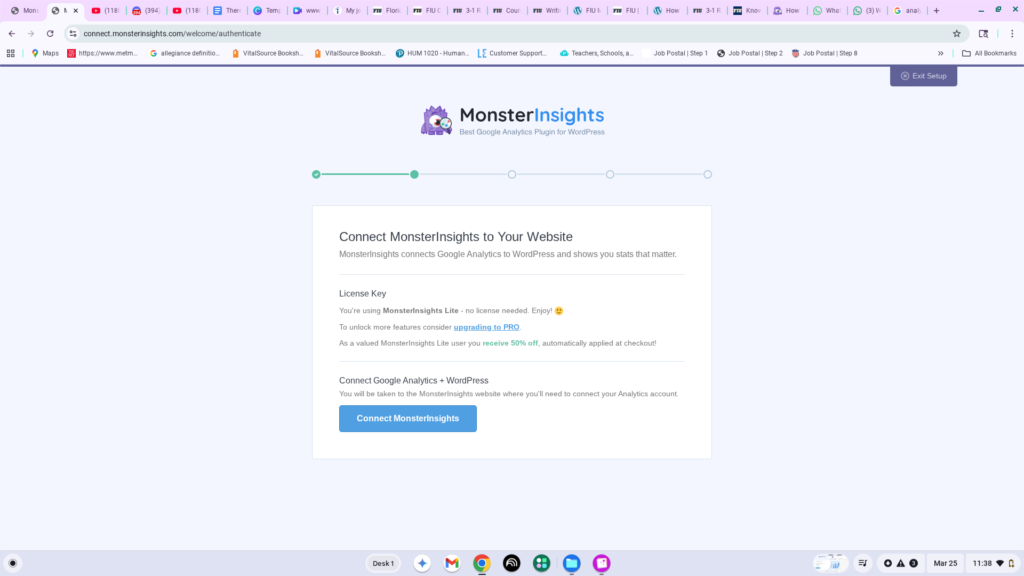
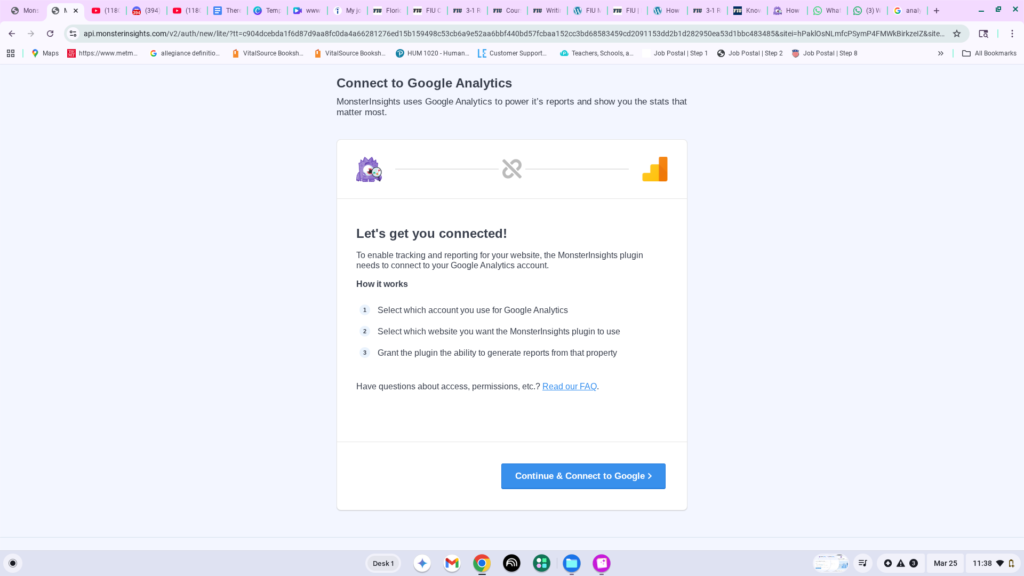
6. Click “Connect & Continue to Google.”
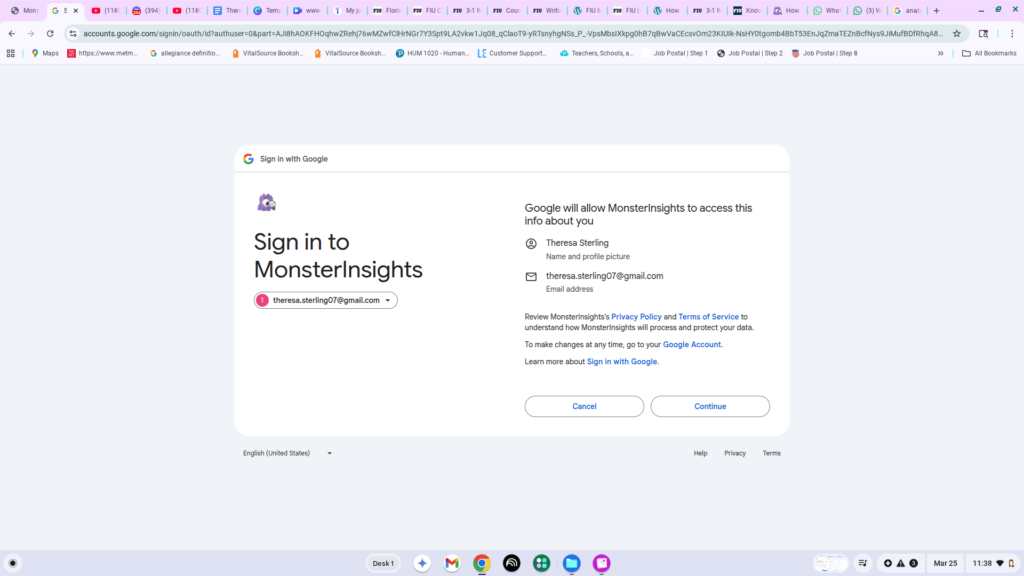
7. Choose the Google account you’d like to use and click “Continue.”
8. Review terms and continue to connect to Google Account.
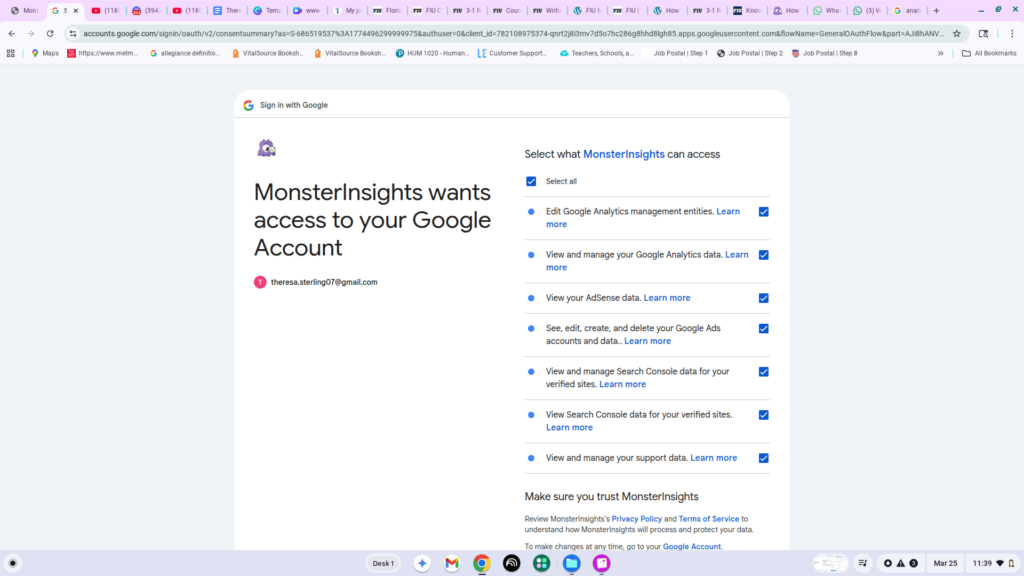
9. Finish connecting to Google Account.
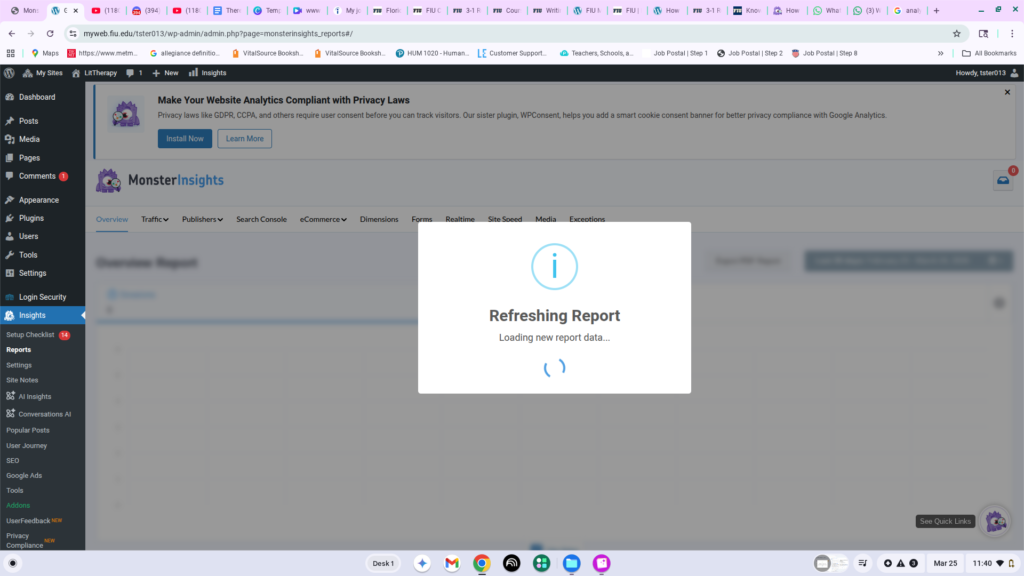
10. Look at your stats!