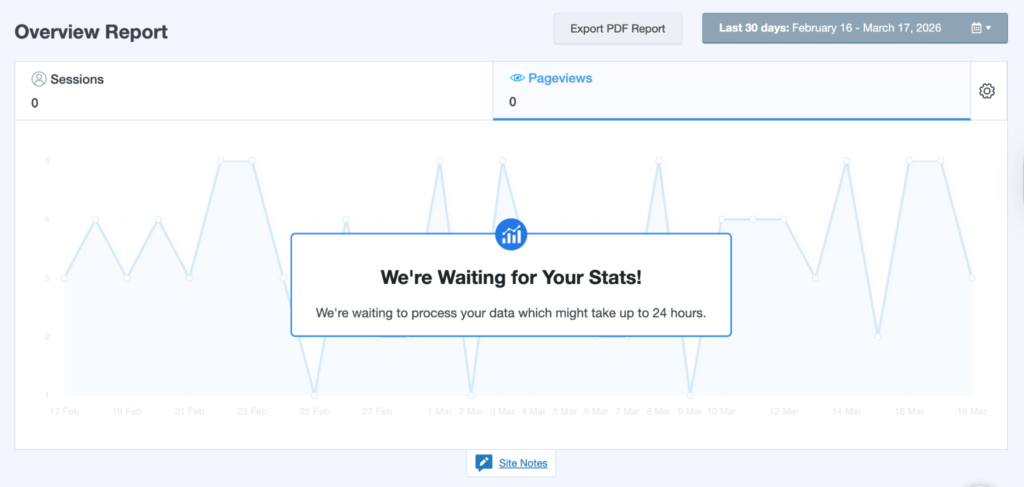
Hello everyone! Today, I’ll show you guys a quick tutorial on setting up analytics for a blog! If, by looking at this website or others, you have felt inspired to start your own, this is a very important step to take towards success!
You might be asking yourself, what are analytics anyway, and why should I care about them? Well, analytics are the measurement and reporting of your website’s data, so you can see what works and what doesn’t with your audience.
Let’s get started!
- Visit the Google Analytics website and click “Start Measuring.”
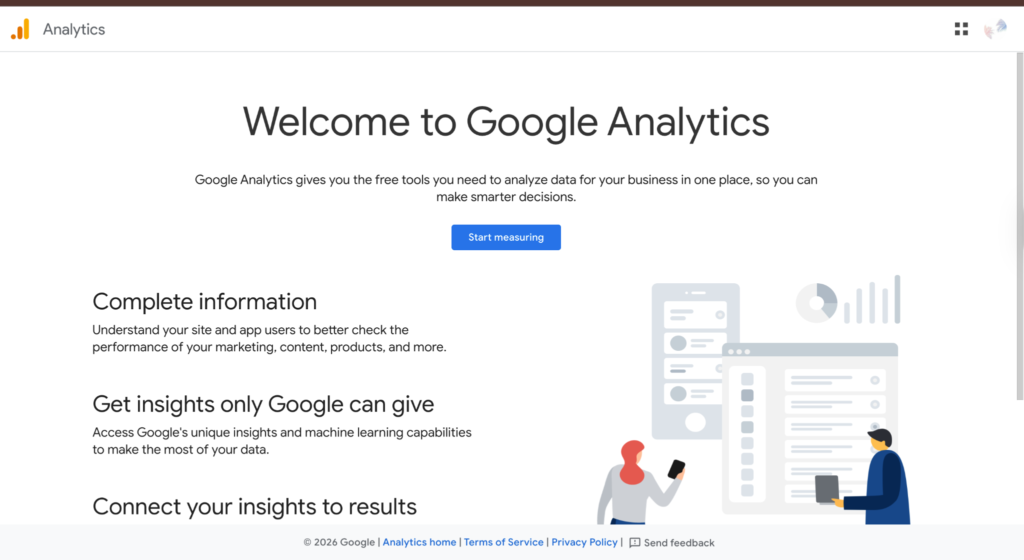
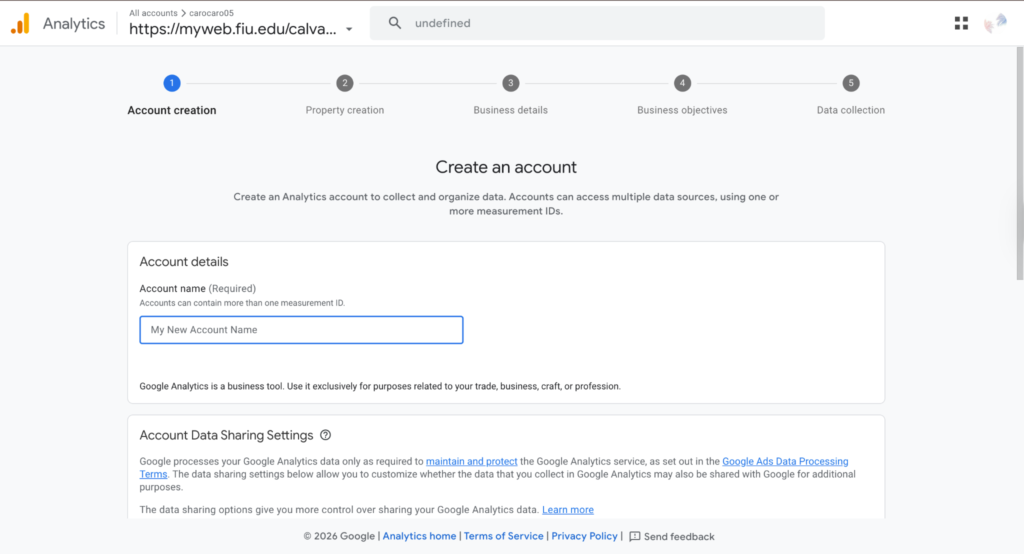
- Create an account
- Paste the URL for your website
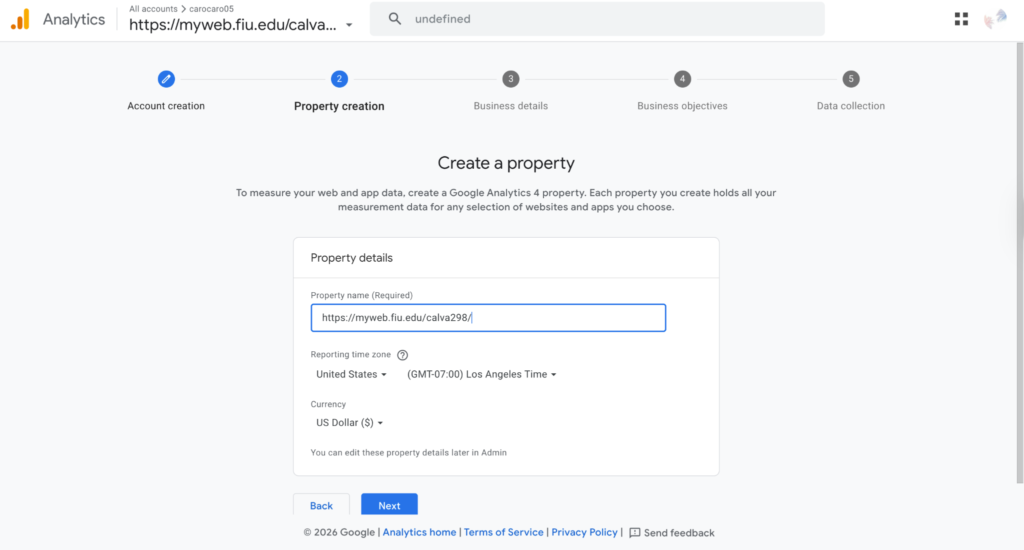
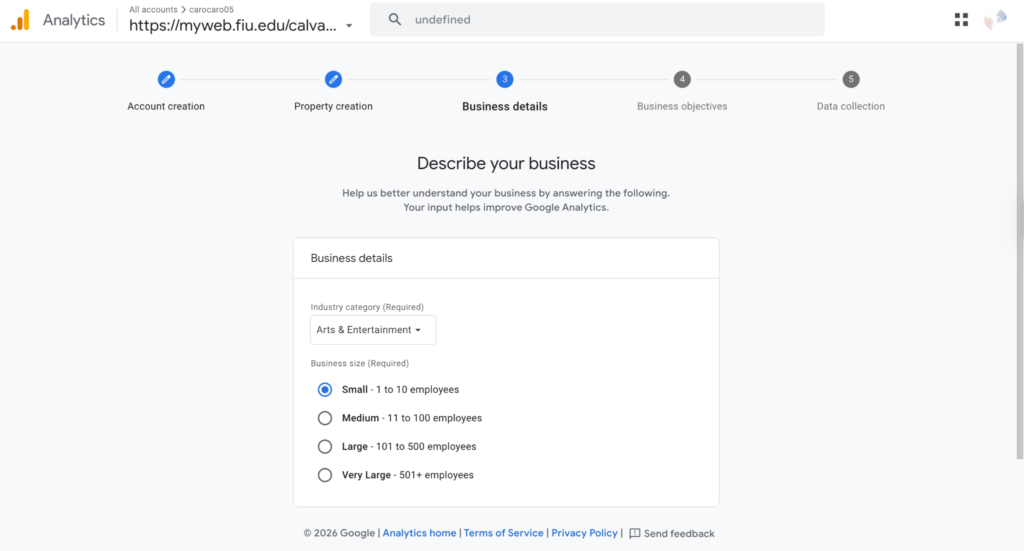
- Describe your website details
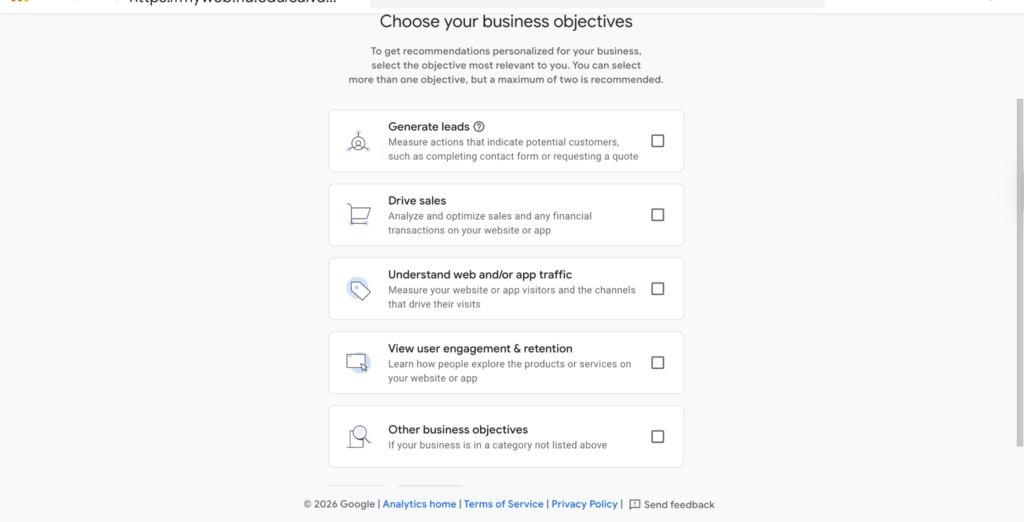
- Choose your objectives; this will help you get personalized data to fit your goals
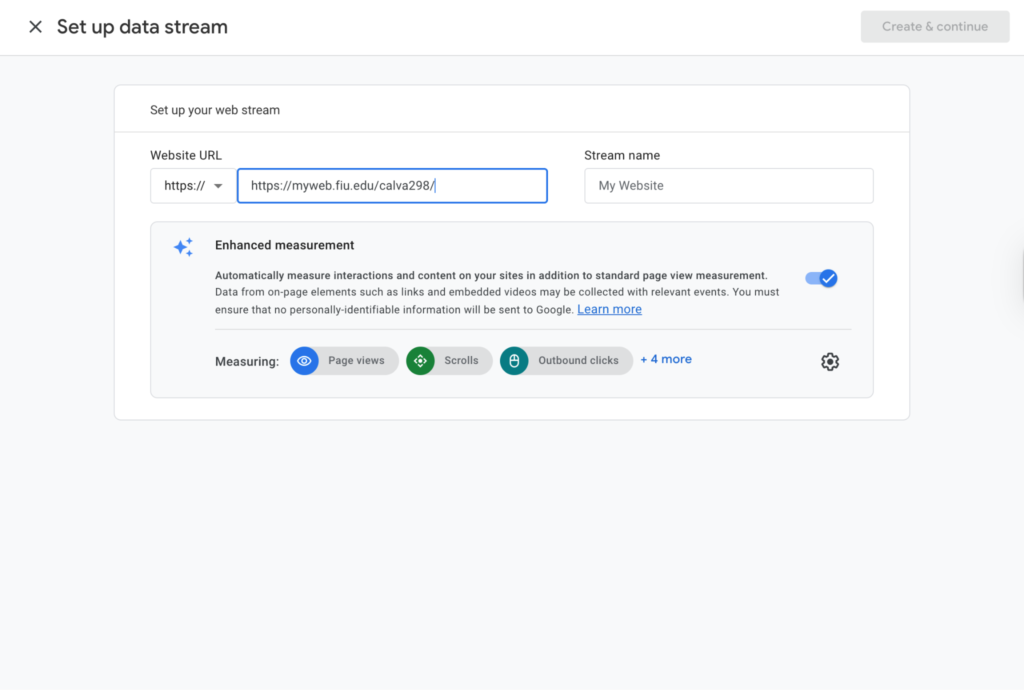
- Click the create button and enter your website URL and title
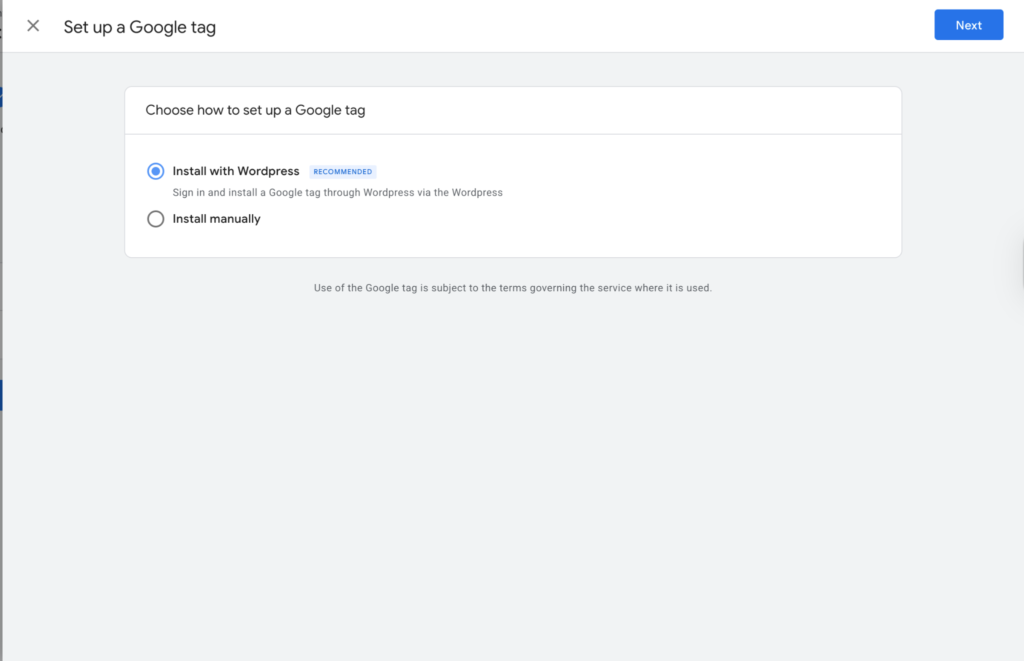
- Select “Install with WordPress”
8. Visit the dashboard of your WordPress account, click on plug-ins, and select Google Analytics or WordPress by MonsterInsights
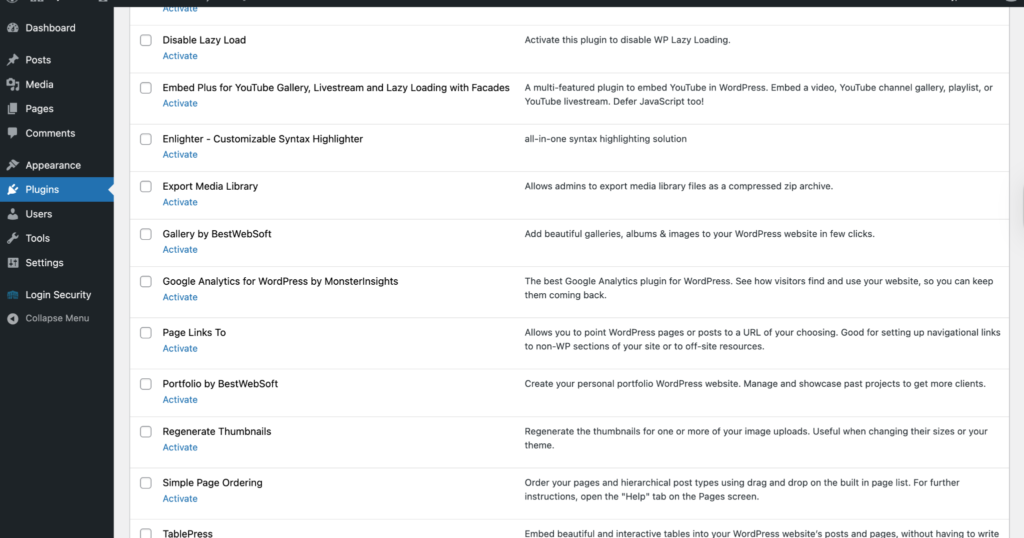
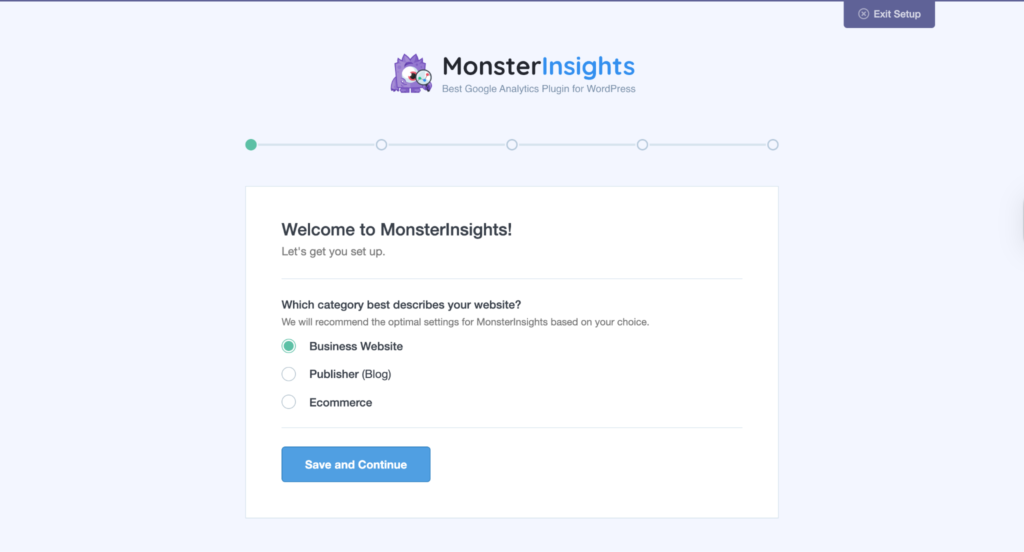
9. Complete all the sections
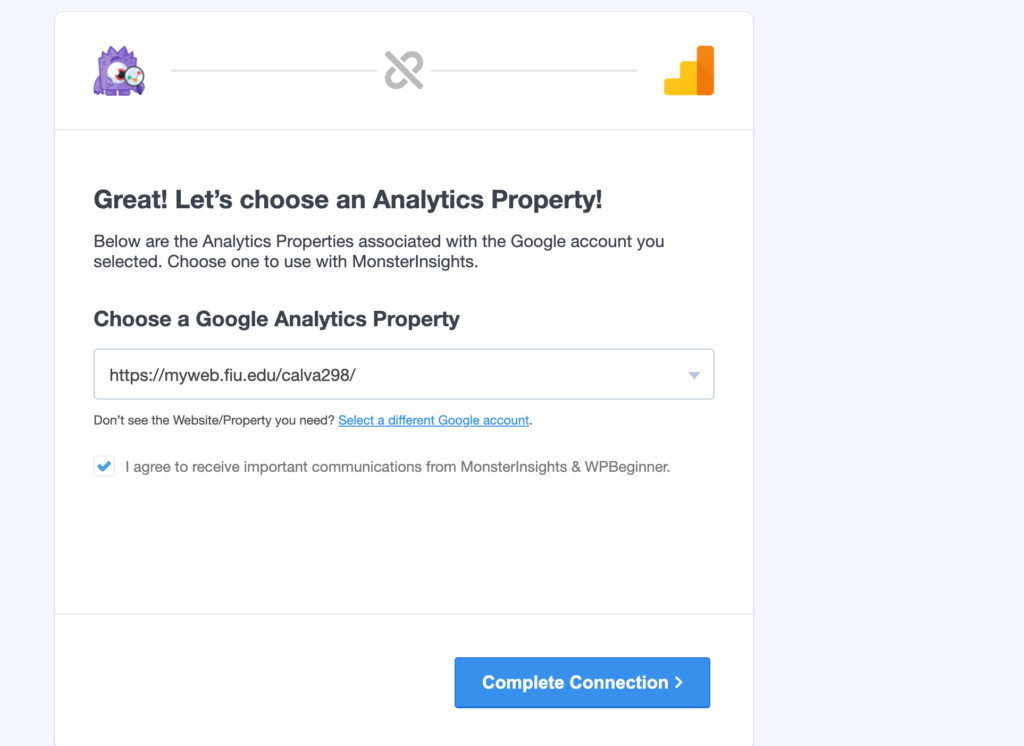
10. Click Complete Connection to finalize it!
11. In 24 hours, you will receive an email with analytics updates about your website!